

Most dyslexia coaches and learning specialists meet the same wall: a learner is clearly capable, yet dense readings and blank pages keep derailing progress. You suggest text-to-speech, dictation, or a reader view—then adoption stalls under shame, “is this cheating?” worries, or simple workflow friction.
Access is often the first barrier. PDF scans can be inaccessible to screen readers when they’re just images, not real text. Add distracting prediction settings and uncertainty about which tool fits which task, and it’s easy to see why built-in supports go unused—even though one survey found only 26% used built‑in accessibility features despite many reporting reading or writing difficulties.
The way through is simple: position assistive technology as identity-supporting, energy-saving, and routine-friendly. When tools are paired with person-first coaching, they can reliably remove bottlenecks in reading, writing, memory, and pace—without turning learning into a constant struggle.
Key Takeaway: Assistive technology sticks when it’s framed as a strengths-based access tool and integrated into simple routines. Build a small, task-mapped toolkit (read, write, organize, capture, reflect), then coach settings, workflows, and self-advocacy so tools reduce friction without undermining skill growth.
Step 2: See the whole learner—blend dyslexia coaching and assistive technology
Dyslexia coaching works best when the person comes first and the tools come second. Technology should serve the learner’s profile, energy, goals, and daily reality—not the other way around.
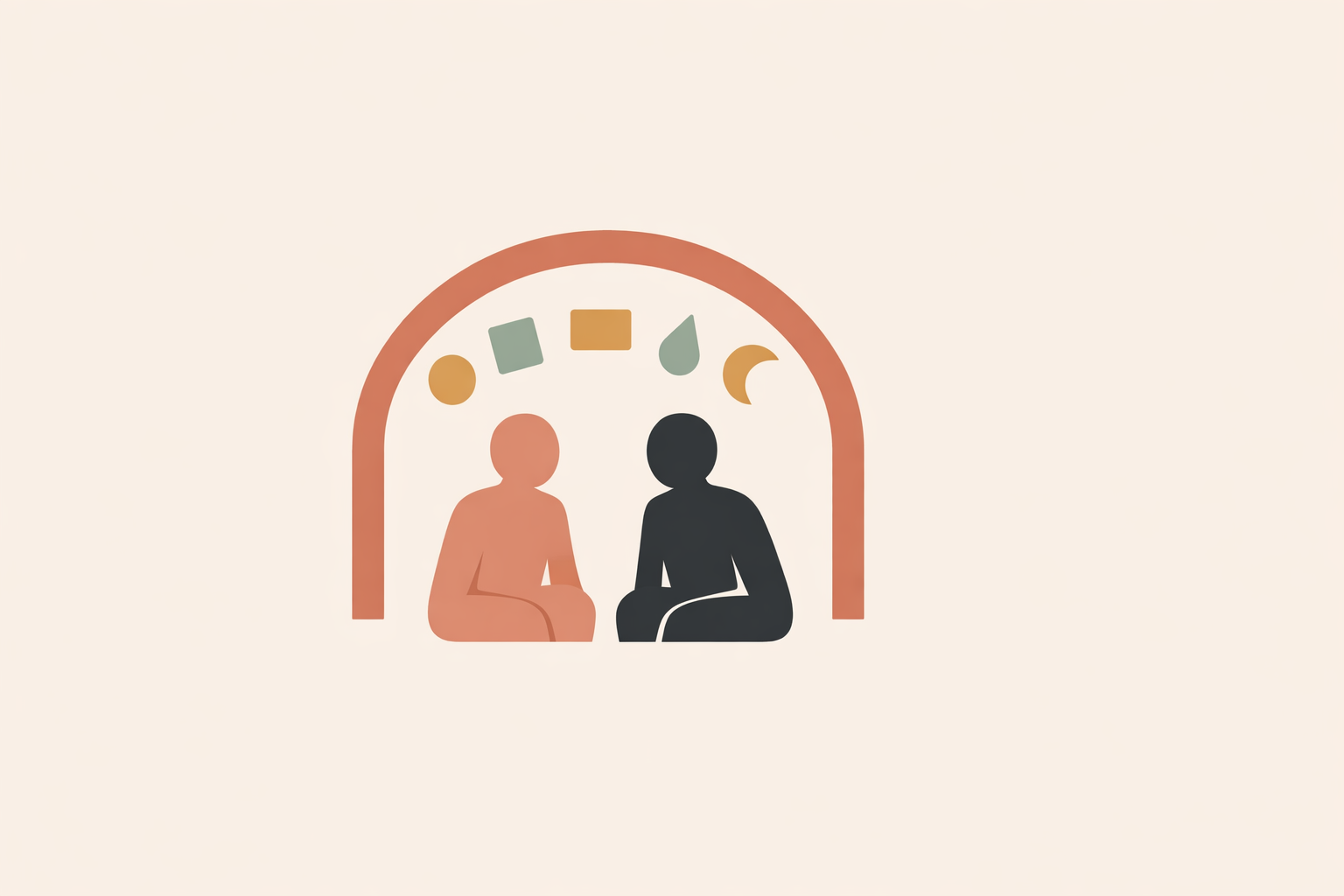
In practice, this is partnership. A coach helps someone understand how they process language, what drains them, what supports them, and which systems make everyday demands more workable. Naturalistico’s framing emphasizes co-creating strategies for reading, writing, organization, and self-advocacy—so support fits the person, not a template.
Assistive technology becomes especially powerful when it’s woven into real routines at school, work, and home. This kind of integrated approach aligns well with multisensory, strength‑oriented approaches that keep learners engaged alongside literacy progress.
Different learners hit different bottlenecks: decoding dense text fast enough, holding ideas in working memory long enough to write them, or staying steady through long stretches of listening. In many cases, learners with strong listening comprehension benefit from text-to-speech, while others do best with flexible playback, frequent pauses, and smaller chunks to prevent fatigue.
So the most useful coaching question isn’t “Which app is best?” It’s: “What’s happening for this learner, in this task, in this setting?” Once that’s clear, the right tool is usually obvious.
“His standardized test scores are up significantly, and he has a newfound confidence in his abilities.”
This parent testimonial points to confidence as a practical outcome of personalized, consistent support. To make that consistency easier, coaches need a simple structure—otherwise technology becomes a pile of features instead of a usable toolkit.
Step 3: Map a five-part assistive technology toolkit
A strong starter toolkit does not need dozens of apps. Most coaches can cover core needs with a five-part map: read, write, organize, capture, reflect.
This map mirrors real life: a learner needs to read information, write responses, organize time and steps, capture ideas before they vanish, and reflect so the system evolves. Broad, adaptable structures like this are often more useful than rigid lists of “best apps,” and fit well with flexible frameworks commonly discussed in dyslexia support.
To start, one or two tools per category is usually enough. What matters most is low friction. Coaches tend to get better results when they prioritize:
- easy setup
- low cognitive load
- reasonable cost
- cross-platform access
- clear privacy boundaries
Many learners already have built-in options: read-aloud, dictation, and display adjustments are common across devices and browsers. Familiar tools can often do the job—especially at the beginning.
To make the toolkit stick, give learners a simple “tool map”: which tool supports which task. Pair it with a short routine checklist. This reduces executive load—think of it like moving mental juggling onto the page, where it’s easier to manage.
One Naturalistico student described the learning as “well-structured and informative,” with practical examples they could apply immediately.
That’s the tone to bring into coaching: structured, usable, and calm. With the map in place, open the reading door first—because reading access is often where pressure builds fastest.
Step 4: Open the reading door – text-to-speech and layout profiles
For many dyslexic learners, reading support starts with access, not effort. Text-to-speech plus a few layout adjustments can make demanding text workable, preserve energy, and reduce avoidance.
The key is to build a reading profile, not one default setting.
Text-to-speech can be transformative because it eases the decoding-speed bottleneck. When learners can hear grade-level material while following along visually, engagement often rises. Reviews suggest that pairing listening with visual follow-along can improve comprehension and motivation compared with print alone.
In day-to-day life, that can look like steadier homework routines and more participation—because the learner can actually take in the material. Educational settings often report more consistent assignment completion and less avoidance when access tools are part of everyday work.
Layout matters too. Many readers benefit from larger text and wider spacing. Others do best with shorter line lengths, line-focus tools, softer background tones, or reader views that reduce visual clutter.
Some learners also experience “lines jumping” or glare. Research on visual stress suggests symptoms like “letters moving” and headaches may ease for some people with colored overlays or background tints, and masking/reader mode can provide similar relief.
Profiling is what makes it personal: one learner may like a natural voice at 1.2x with sentence highlighting; another may need slower playback, frequent pause-and-replay, and a warm tint to reduce fatigue.
A parent describing a structured, multisensory tutor shared that “My son, Michael, enjoyed her lessons and learned so much.”
That’s the sweet spot—access tools alongside ongoing skill-building. Once learners can take information in more easily, the next barrier is often getting their ideas back out onto the page.
Step 5: Unlock written expression – speech-to-text and word prediction
Speech-to-text and word prediction can free written expression when used with structure. The goal isn’t perfection on the first try—it’s getting ideas onto the page without drowning in spelling, handwriting, or editing demands.
Many dyslexic learners can explain far more than they can comfortably produce under time pressure. Research comparing oral and written narratives suggests children with dyslexia often show richer oral language than written output—so the “gap” is not intelligence, but output friction.
Dictation works best in short, shaped bursts. Prompt → dictate briefly → pause → tidy. Used intentionally, speech-to-text can improve writing quality without exhausting the learner.
Spoken language also moves differently than written language. Learners may think in intuitive leaps, then feel overwhelmed by a messy transcript. The fix is coaching the process: speak one idea at a time, use “talk punctuation,” and make small corrections as each sentence appears. Essentially, they’re learning to steer the tool instead of wrestling it later.
It also helps to set a sane accuracy standard. Many learners don’t need perfect transcription to benefit. “Good enough to work with” keeps the focus on ideas, not on endless tool tweaking.
Word prediction supports a different moment: when the learner is typing but stalls on spelling or loses momentum searching for a word. When integrated into structured support, prediction tools can increase output and lower spelling-related barriers.
A few guardrails keep it helpful: type three or four letters before checking suggestions, and keep dedicated spelling practice prediction-free so foundational skills still grow.
One parent shared that their daughter was taught strategies to organize her writing and manage homework so she “didn’t feel defeated before she even started.”
That is the heart of reducing writing defeat. And to make these gains last, reading and writing tools need a visible home inside the learner’s week.
Step 6: Make organization visible – calendars, planners, and workflows
Organization support turns isolated tools into a usable system. Calendars, visual planners, mind maps, and checklists help learners externalize time, sequence, and progress instead of holding it all in working memory.
This is where coaching moves from “helpful tool” to real workflow. A digital calendar can hold reading blocks, reminders, deadlines, and recurring routines—making tasks easier to see and easier to begin. Coaching work with dyslexic adults notes that planning tools and checklists can support working memory and organization.
For larger assignments, Kanban-style boards (To Do / Doing / Done) make work concrete. Studies suggest visual boards can improve task management and reduce last-minute deadline panic compared with long lists.
Before drafting, mind maps can help learners gather scattered ideas into a usable shape. Research suggests mind mapping can lead to more organized texts and stronger compositions—especially helpful when dictation is part of the writing process.
The hidden obstacle is often friction. If every reading requires downloading, converting, correcting a poor scan, and resetting preferences, many learners will quietly stop using support. Assistive tools are frequently abandoned when routines aren’t clear and access isn’t smooth.
This is why short, visual checklists are so effective. They can improve task completion by turning “a lot” into a sequence: “Open in reader → turn on TTS → highlight → add 3 notes.” Put simply, the checklist becomes the learner’s “steady hand” when attention and energy dip.
As one Naturalistico student shared, good support helps clients develop systems that make learning “manageable rather than overwhelming.”
That’s the heart of sustainable systems. When routines are visible, learners are better prepared to use them confidently in shared environments like classrooms and workplaces.
Step 7: Coach self-advocacy and ethical tech use
Self-advocacy helps learners use their tools with confidence and integrity. Coaches can support this with simple scripts, practical boundaries, and respectful ways to explain that assistive tools change access, not standards.
This matters because even a great personal system still has to meet real-world attitudes and policies.
Many learners eventually face: “Is this cheating?” That question shows up around text-to-speech, speech-to-text, recordings, and AI-assisted note support—and it can stop people from using tools they genuinely need.
One of the most helpful coaching moves is preparing a short, calm script: name the profile, name the tool, name the ask (for example, requesting an accessible PDF or Word file so read-aloud and highlighting work). Self-advocacy resources highlight the value of a concise script like this.
Framing helps too. When learners explain “access, not advantage”—like glasses for vision—others are often more receptive, with guidance noting more positive responses when the request is clear and practical.
Ethical use should be equally clear. If a learner records audio or uses an AI note assistant, they need to understand privacy, consent, and purpose. Many institutional guidelines describe recordings as personal study only, not something to share or redistribute. Coaches can normalize checking local rules, asking permission when needed, and being transparent about how information will be used.
Broad standards and guidance frameworks can support integrity and evidence-informed practice—without reducing the work to a rigid script.
When learners can explain their tools, use them responsibly, and ask for what they need without apology, assistive technology stops being a private workaround. It becomes part of an empowered way of learning and working.
Conclusion: Turn your assistive technology kit into a living practice
An assistive technology toolkit is most useful when it stays alive. The work isn’t collecting tools once—it’s continually matching them to the learner’s changing needs, context, confidence, and goals.
The pattern across these steps is steady: reframe technology as an ally; place it inside a whole-person coaching relationship; map it into read, write, organize, capture, and reflect; then build routines and self-advocacy so it holds up in real environments. Along the way, learners often experience a shift not only in output, but in self-story. With the right support, educational settings describe improvements in participation, stress, and follow-through.
This process is naturally iterative. A setup that works in school may need adapting for adult work life. A strong reading configuration may need gentler pacing for attention fatigue. Cultural context matters too—so does supporting adults who recognize their dyslexic profile later in life and want guidance that respects both their history and strengths.
One Naturalistico student shared, “I now have a thorough understanding of dyslexia and how to support individuals with dyslexia through effective coaching techniques and personalized strategies.”
That holistic, reflective path—connecting tools to tasks, identity, emotion, and sustainable growth—is central to holistic coaching. To keep your toolkit effective, watch what actually gets used, simplify what causes friction, and keep refining.
A final note of care: because policies, privacy expectations, and accessibility needs vary by setting, it’s wise to keep consent and local guidelines front and center—especially for recording tools and AI supports. With that foundation, assistive technology becomes more than features. It becomes ethical, grounded, strengths-based support that helps learners move forward.
Explore Dyslexia Coach Certification
Connect assistive technology to strengths-based routines in the Dyslexia Coach Certification.
Explore Dyslexia Coach Certification →