

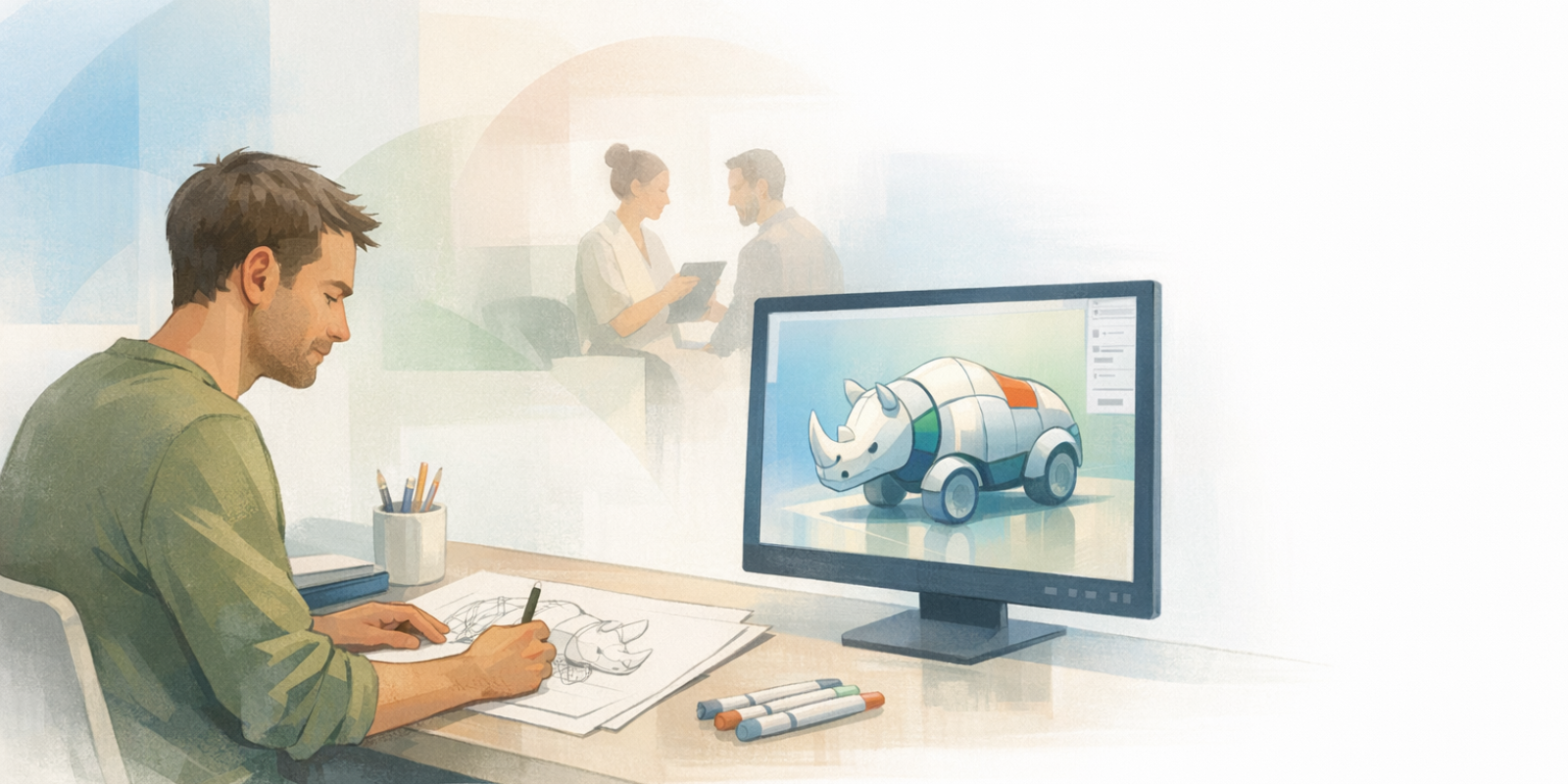
It’s possible to move from a hand sketch to a clear, colored concept in Rhino 3D in about an hour. Done well, this becomes a respectful bridge between ancestral handwork and modern visual storytelling—so clients can “see it” quickly and respond with useful feedback.
Rhino sits in a practical sweet spot for this workflow: approachable for quick concepts, yet strong enough to grow with you. Many learners experience it as a steady path from student to professional. And as one long-time user puts it, “The tools & simplicity… you can learn it in no time if you give it just 1 hour a day for a month,” which fits beautifully with a ritual-style practice.
The key is intention, not complexity. You’ll honor the sketch, bring it in cleanly, block out volumes, set simple light and camera, then add color that expresses lineage and brand. Many Rhino resources teach mechanics like importing 2D; the difference here is using those steps to create client-ready clarity in a single, contained session.
Key Takeaway: A focused 60-minute Rhino session works best when you prioritize a clean sketch import, big readable volumes, simple lighting and camera, and a restrained palette that communicates mood and meaning. Consistent, repeatable steps help you avoid perfectionism while delivering client-ready clarity.
Why a 60-Minute Rhino 3D Concept Supports Holistic Practice
A fast, repeatable concept pass helps you share spaces and offerings as a lived experience—not just a flat image. In roughly one hour, you can show form, light, and mood clearly enough to invite collaboration without getting pulled into perfectionism.
Rhino supports this “quick-to-refine” rhythm well. Training providers emphasize how the same workflow can move from early ideation into accurate and detailed models as your work evolves—so your first draft never feels wasted.
See Your Space as a Story, Not a Screenshot
In holistic work, you’re shaping an experience: how someone arrives, where attention settles, what feels grounding, what feels uplifting. A 3D concept makes that story visible—whether you’re planning a room layout, a retreat space, product packaging, or a set for recorded sessions.
That’s why the bridge matters. Rhino is often taught as a supportive middle path from student to professional, which aligns with a hand-led approach: human, clear, and practical.
Set a Realistic 60-Minute Outcome
Decide what “done” means for one hour. “Good enough” here is both ethical and efficient: it respects your time and your client’s attention. Since quality benchmarks vary, it helps to set your own standard and refine it through real conversations and peer workflow advice.
- A clean massing model that respects sketch proportions
- One perspective view with simple lighting
- Two or three materials and one lineage-informed accent color
- A single-page export with a few clear notes
Choose the Right Sketch to Bring into Rhino 3D
Begin with one sketch that carries a clear story. The right drawing makes the hour feel smooth; the wrong one pulls you into details that don’t serve the moment. Choose the sketch whose gesture, proportions, and mood you can sense immediately.
Rhino rewards a clean beginning. Structured training often stresses careful setup when importing 2D drawings, because a well-prepared base protects your proportions and shortens the path to a usable 3D concept.
Pick One Clear Story Sketch
Ask a simple question: what’s the one idea this sketch must communicate? Maybe it’s the embrace of a circular gathering space, the grounded simplicity of a table, or the gentle glow of a lamp near natural textures. Choose the sketch that communicates that idea without extra explanation.
- Strong silhouette and readable proportions
- Obvious main volumes (seat, table, arch, shelf)
- Just enough detail to guide modeling—no more
Capture and Clean Your Sketch Image
Photograph or scan in even light, crop to essentials, and lightly increase contrast so your linework reads clearly. If you added a scale reference on paper (a known width or height), keep it visible so you can scale accurately in Rhino.
Once inside Rhino, speed comes from fundamentals: place the image, scale it, then trace only what you need. A student tutorial demonstrates placing the image and scaling with reference distances. Reviewers also often describe Rhino as intuitive and supportive for draw in 3D work—especially when your setup is tidy.
Set Up Rhino: Import, Scale, and Align Your Sketch
Good setup creates a trustworthy foundation for speed. Set units and layers, import the sketch as a background image, scale it to a known measure, and align it so your tracing stays true to the drawing’s proportion and spirit.
This small discipline pays back immediately. Training modules commonly show how organized setup when importing 2D drawings supports a smoother move into 3D form and can enhance efficiency across the whole session.
Set Units and Layers Before You Trace
Create a new file with the correct units (mm, cm, or inches). Then make layers before anything else: Sketch-Image, Guides, Main-Volumes, Details, and Materials-Test. Color-coding layers helps you move quickly without confusion.
Import the sketch as a picture object in Top view, then scale it using your known reference. Those reference distances become your anchor for everything that follows. If you enjoy working quickly from the keyboard, many users appreciate Rhino’s command line and how easy it is to type commands without breaking focus.
Use Snaps to Protect Your Proportions
Turn on Osnaps (End, Mid, Perp, Near) and Grid Snap if it helps your hand stay steady. Lock the Sketch-Image layer so it can’t shift accidentally. Think of snaps as your quiet guardrails: they keep the structure honest while you work fast.
Across intro videos and community discussions, the shared theme is simple: keep your file tidy and use snaps deliberately to avoid drift. You’ll find plenty of practical workflow advice; take what fits, then tune it to your own rhythm and way of working.
Block Out 3D Volumes from Your Sketch
Start with the big shapes. Trace only the lines you truly need, then convert them into clean surfaces or solids so the core idea stands on its own—without textures, ornament, or tiny details.
Rhino allows multiple approaches, and that flexibility is useful in a timed session. Community threads collect workflow tutorials across NURBS, SubD, meshes, and curve-based methods—choose what fits the form and the clock.
Model Big Volumes Before Details
In Top view, pull simple guides along main axes. Use rectangles, circles, and polylines to capture footprints and profiles, then build volumes quickly:
- ExtrudeCrv for walls, benches, or shelving
- Loft for draped forms or gentle transitions
- Revolve for bowls, lamps, or rounded vessels
- SubD Box for organic cushions and soft seating
Many trainings highlight Rhino’s NURBS tools for accurate and detailed work, while also supporting multiple geometry types in the same environment. That’s why it’s possible to begin with simple concept shapes and later refine them into accurate and complex models—without changing tools.
Aim for simple, solid, “watertight” forms where you can. Even an early massing model can be strong enough for later exploration, including physical prototypes, if that supports your creative process.
Before moving on, do two quick checks:
- Does the silhouette match the sketch in Top and Perspective?
- If you frame a view, does the story read in one second?
Add Simple Lighting, Camera, and Materials
Use a clean order: light first, then camera, then materials. This keeps your model readable as soon as you switch to Rendered view—and stops you from “decorating” before the scene is clear.
Rhino’s built-in renderer is more than enough for concept-level work. Many courses show creating clear diagrams and in-app visualizations without extra software, and small lighting choices often create a big jump in clarity.
Light the Scene Before You Chase Effects
Keep the setup simple:
- Display mode: Rendered
- Sun: On, low angle for soft shadows
- Environment: simple studio HDRI (if available)
- One rectangular light as a key, slightly off-axis
Set a perspective camera with a focal length that matches your purpose (about 35–50 mm for spaces, 70–85 mm for product-like close-ups). Then apply a few neutral materials—matte wood, soft fabric, warm plaster—so the forms feel grounded without becoming a rendering project.
Even basic steps like changing sun and light settings can noticeably increase legibility. Structured courses also emphasize how lighting and materials can elevate early visuals long before any post-production enters the picture.
Add Color to Express Mood, Lineage, and Brand
Color carries memory. In traditional practice, color is rarely “just decoration”—it signals mood, meaning, and belonging. A simple, intentional palette can turn neutral forms into a concept that feels alive and aligned.
Rhino supports color through its material system and live visual feedback in Rendered mode. Learning resources show how quickly you can add color to drawings to clarify communication. Essentially, you’re using color to guide attention and emotion, not to prove realism.
Choose a Palette That Matches Your Client Journey
Decide what a client should feel at first glance—soft arrival, grounded focus, bright uplift—then choose a three-part palette:
- Base: a neutral (clay, plaster, wood) that holds everything together
- Accent: a lineage-informed hue (saffron, indigo, emerald), used with respect and context
- Contrast: a deeper tone for clarity and depth
Apply base materials to main volumes, then place accent color only where you want attention to gather. If a color has cultural meaning, include a brief note in your export naming the source and context—respect belongs inside the design conversation, not outside it.
Visualization courses highlight Rhino’s strength in 3D visualization, and a thoughtful palette carries that strength further. Rhino can also act as a bridge to external renderers when needed, but for a focused 60-minute ritual, staying inside Rhino keeps the work clean and contained.
Turn This into a Repeatable 60-Minute Rhino Ritual
Consistency builds skill and confidence. When the steps stay the same, your mind relaxes—and your creativity can show up fully. Over time, this hour becomes part of how you support client clarity with grounded visuals.
Many users find that steady, hour-long practice sessions lead to meaningful progress. In traditional learning terms, rhythm beats intensity: small, regular sessions tend to deepen skill more reliably than occasional marathons.
Design a Practice Plan That Fits Your Season
Work in seasons of four to six weeks, each with a single emphasis:
- Season 1: setup and tracing (layers, scaling, snaps)
- Season 2: volumes (extrusions, lofts, SubD for soft forms)
- Season 3: light and camera (one key light, sun, clean views)
- Season 4: color and export (palette discipline, simple layouts)
Keep a repeating checklist and save templates for layers, lighting, and exports. Build a small materials library you trust. Educators note Rhino strengthens fundamental geometry skills, which then support everything from quick concepts to more refined models.
And don’t practice alone if you don’t have to. The Rhino teaching community often shares tutorial files so you can learn by doing. In professional threads, people also recommend building a personal go-to toolset instead of chasing every feature. That’s the heart of ritual: a few trusted tools, used well, again and again.
Plan Your Next 60-Minute Hand Sketch to Rhino 3D Session
The arc stays simple: choose a strong sketch, set up Rhino with care, block out volumes, light the scene, and add color for mood and lineage. Export one clean image with notes. That’s your hour.
Rhino can grow right alongside you. Many courses highlight how workflows can be enhanced with plugins and other tools as your needs evolve, while still supporting accurate and complex modeling when you decide to refine.
For now, keep it ceremonial and practical: prepare your workspace, take one steady breath, set an intention, and begin. Schedule your next session, choose a new sketch with a clear story, name your palette, and spend one focused hour translating care into images clients can feel.
Deepen Your Practice with a Guided Rhino 3D Workflow
If structured support would help you turn this into a reliable creative ritual, Naturalistico offers focused training on sketch-to-color workflows in Rhino. The Drawing course: Rhino 3D and Color is designed to help you move from hand sketch to expressive 3D concepts in a grounded, repeatable way that supports your holistic practice.
Ready to Go Deeper?
Take the next step with a Naturalistico certification — designed for practitioners ready to deepen their expertise.
Explore the Course →