

Workplace conversations about auditory processing often start with a quick fix: buy a device, switch on captions, and expect meetings to feel easier. Sometimes that’s enough. Often it isn’t, especially when someone handles one-to-one chats well but gets overwhelmed by fast, overlapping group talk.
Experienced coaches look beyond tools alone. The real question is how listening demand shifts across the day, different rooms, and different tasks. A tool helps when it lowers effort in a specific situation. Used in the wrong place, it can become one more thing to manage.
Key Takeaway: Sustainable workplace support for auditory processing works best when assistive technology is layered onto reduced listening load, clearer communication norms, and realistic pacing. Start with the task and environment, then choose tools that improve signal, add a dependable text channel, or offload memory. Short, structured trials help clarify what is useful in practice.
Start with the task, not the gadget
Start with the actual workday. Instead of “What tool should I buy?” focus on “Where does listening break down, specifically?”
A simple mapping session can move through the day in clear steps:
- What is happening?
- Where is it happening?
- Is it in person, by phone, by video, or recorded?
- What gets missed: names, instructions, fast turn-taking, detail, or decisions?
- What is the person already doing to compensate?
This turns “meetings are hard” into something usable: “In the glass meeting room, I lose track when several people jump in and the final actions are spoken quickly.” Once the barrier is named, support becomes easier to match.
A steady sequence usually works well:
- define the communication task
- identify the main barrier
- adjust the environment first
- add a low-complexity support
- test it in the real setting
- review what changed
This might mean quieter seating, a written agenda, and a one-speaker-at-a-time agreement before trialling any device. Low-tech supports often create the first wave of relief: written decisions, meeting summaries, clear turn-taking, and visible next steps. They also spread responsibility across the team rather than placing it all on one person.
Reduce listening load through environment and communication norms
Before adding more equipment, make the space and interaction style easier to work with. Many barriers are built into the setting: hard surfaces, poor sightlines, overlapping talk, background machinery, and constant multitasking.
Helpful environmental changes can include:
- moving away from steady noise sources
- choosing softer, less echoing spaces where possible
- sitting where the main speaker is easy to see
- reducing side conversations
- saving final decisions for a written recap
These steps sound basic because they are, and that’s their strength. In everyday coaching practice, they often mark the difference between just enduring a meeting and staying engaged through it.
Listening capacity also changes with sleep, stress, sensory overload, time of day, and unfamiliar material. Traditional pacing wisdom fits naturally here: when the system is already strained, reducing strain first creates more usable attention, including in broader neurodiversity and learning differences support work.
A short settling pause before a high-load interaction can be enough:
- two slower exhales
- a sip of water or tea
- both feet on the floor
- a hand resting on the desk
- a few seconds of visual orientation before the meeting begins
Use remote microphones and headsets where they truly improve signal
When distance, noise, or echo are the main barriers, clearer signal becomes the priority. In those situations, personal remote microphones can be genuinely helpful. A recent review found improved speech intelligibility with personal remote microphone systems in adults with APD, although the wider evidence base remains limited.
In practice, remote microphones tend to shine when there’s a clear main speaker, such as:
- one-to-one supervision
- training sessions
- presentations
- smaller meetings with a lead speaker
They usually help less when several people interrupt each other or when the room is extremely loud. In those moments, the tool can still play a role, but the setup needs other supports around it.
Headsets can also help, especially for desk-based tasks. Active noise-cancelling can soften steady hums and rumbles, which can make solo work or online calls easier. In busy workplaces, any isolating headset should be used thoughtfully if awareness of alarms, movement, or shared activity matters.
A practical plan might look like this:
- remote microphone for weekly one-to-ones
- quieter seating for group discussions
- noise-cancelling headset for solo drafting only
- written follow-up after meetings with many speakers
The goal is straightforward: reduce effort in the situations that reliably drain energy.
Add a second channel with captions, transcripts, and visual support
Even when audio is clearer, names, numbers, jargon, and rapid decisions can still slip by. A second channel helps by giving spoken information a parallel text pathway.
For video calls, captions are often the simplest starting point. Guidance on APD accommodations includes captioning and note-taking as useful supports in virtual settings. Captions are especially valuable when speech is fast, detail-heavy, or packed with unfamiliar terms.
Auto-captions are also imperfect. Accessibility guidance notes lower accuracy in auto-generated captions compared with human-provided services, which matters most in technical, formal, or high-stakes meetings.
For those settings, CART is more reliable than automated captions. A dependable text record reduces stress and cuts down on guessing.
Matching the support to the pattern keeps decisions simple:
- If distance and room acoustics are the main issue, trial a remote microphone first.
- If names, dates, and rapid decisions are repeatedly missed, prioritize captions and written summaries.
- If the stakes are high, consider a more accurate real-time text option.
Visual support can also be built in with minimal fuss:
- share slides or agendas in advance
- put acronyms in writing at the start
- capture actions in chat before closing
- keep decisions visible rather than spoken once and gone
These habits tend to support everyone, and they can transform the experience for someone who is working hard to keep up.
Offload memory with recordings, notes, and digital supports
Many people can track spoken ideas in the moment, then struggle when they also need to sort information and take notes at speed. The goal is to offload memory so attention can stay with the conversation.
Where workplace policy allows, recordings let someone revisit key sections at their own pace. APD accommodation guidance includes recording virtual classes as a possible support, and the same principle can translate well to work settings when permission is in place.
When recording isn’t appropriate, other offloading supports still help:
- a shared live notes document
- a short written action summary at the end
- speech-to-text for drafting notes after the call
- text-to-speech for reviewing dense written instructions later in the day
- structured checklists for handovers or repeat tasks
Some people also find smartpens or synced note tools useful in training-heavy roles. They’re not for everyone, but the right match can take pressure off in real time.
Alerts matter too. Vibrating timers, visual reminders, and chat-based nudges support focus without extra verbal interruption. In shared or noisy spaces, that kind of signal design can make the day feel steadier.
Run short, ethical trials instead of chasing perfect solutions
Assistive technology choices get clearer when treated as experiments rather than permanent answers. A short, structured trial reveals more than weeks of comparing features.
Keep each trial narrow and practical:
- one tool
- one setting
- one or two clear goals
- a simple review point
For example:
- remote microphone in Monday one-to-ones
- captions plus written actions in the weekly vendor call
- noise-cancelling headset during solo drafting blocks only
A short post-use log can track:
- context
- noise level
- tool used
- effort
- confidence in what was understood
- fatigue afterward
- what to change next time
This kind of observation is valuable because outcomes vary by person and setting. A systematic review describes the overall evidence as low to moderate quality, with outcomes depending heavily on person, task, environment, setup, and training. Tools still earn their place when they’re chosen thoughtfully and reviewed honestly.
Privacy and workplace policy also need to stay in view. Before using recording or cloud-based captioning, check what’s permitted, who can access the information, and how long anything is kept. Clear boundaries support trust.
Build layered setups that can last
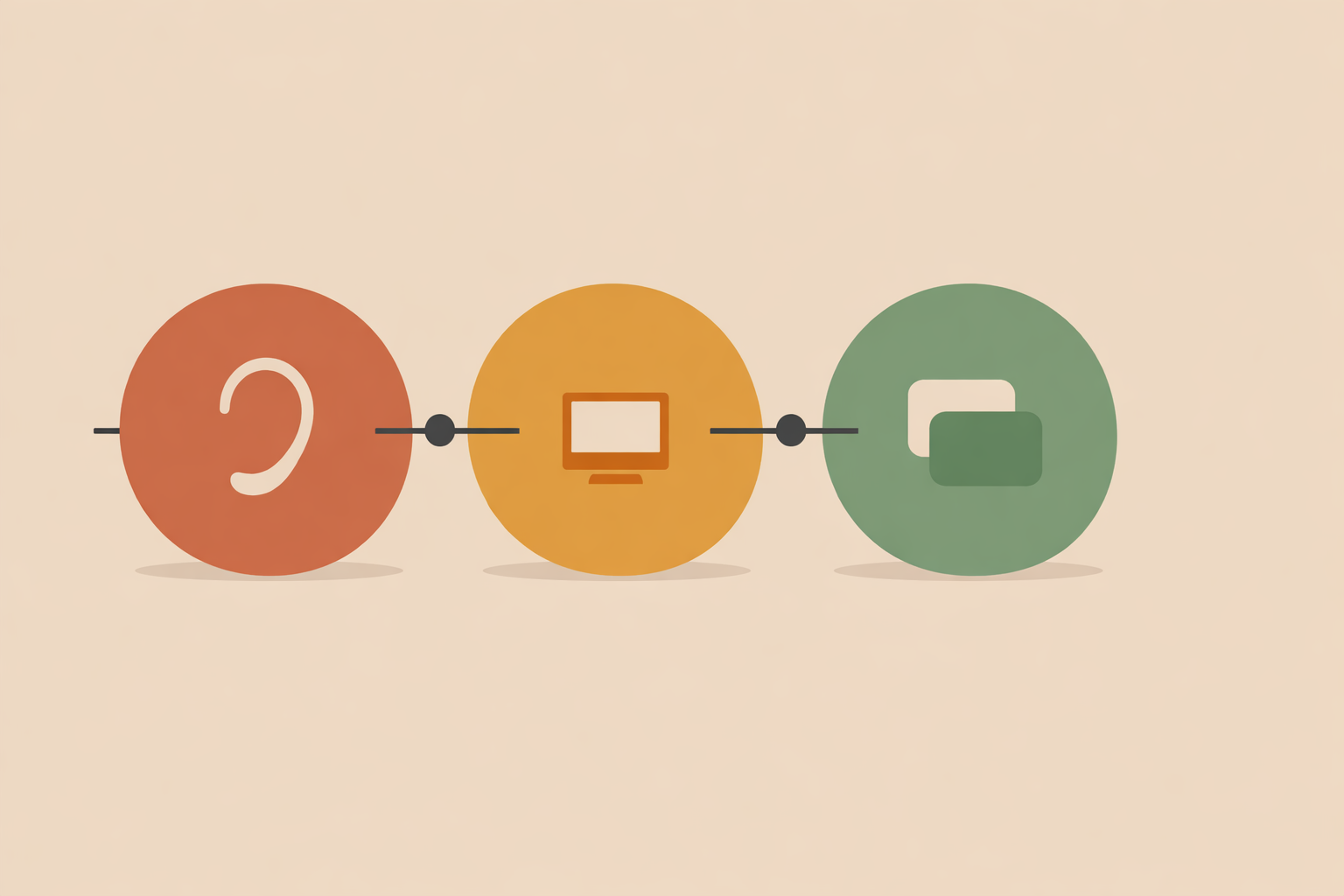
The most durable support is usually layered. One tool rarely resolves every listening barrier at work, but a small set of supports can work together smoothly.
That may include:
- clearer sound through seating or a remote microphone
- less competing noise
- a text channel through captions or written decisions
- memory offloading through notes or recordings
- better pacing before and after high-load interactions
In this kind of setup, assistive technology becomes part of a supportive ecology. It’s there to reduce strain, strengthen participation, and help someone show up with more steadiness and confidence, much like a broader assistive technology plan for APD.
Universal communication habits help make that sustainable: agendas, clear turn-taking, written follow-up, accessible recordings where appropriate, and chat-based questions during meetings. These approaches improve the shared environment, which is often the simplest way to make support last, and they sit well within APD support that grows across everyday settings.
Conclusion: Keep the approach practical and responsive. Notice patterns, reduce unnecessary load, and trial tools carefully. Pay particular attention to privacy, permissions, and situations where headset use could reduce awareness in a shared space. With those basics respected, technology becomes a dependable ally rather than another source of effort. For readers building this into professional practice, Auditory Processing Disorder Coach Certification is directly aligned with that support focus.
Train in APD Coaching
Build practical workplace support skills in the Auditory Processing Disorder Coach Certification.
Explore the Certification →