

ADHD time challenges rarely come down to effort alone. They usually show up where life demands steady planning, working memory, self-monitoring, and flexible attention. Someone can fully intend to begin at 9:00 and still find the morning gone.
In coaching practice, what helps most is not more pressure but more visibility. When time, sequence, and next steps are easier to see, they become easier to start. Tools work best as external supports for attention and follow-through, especially when the stack stays small and the rhythm is kind enough to allow restarts without shame.
Key Takeaway: Effective ADHD time coaching works best when time and working memory are made visible through a lean, supportive tool set. A small stack such as a task manager, calendar, and timer is often easier to sustain than a complex system. The most helpful setups match the tool to the barrier, use visual time cues and social presence for initiation, turn tools into daily and weekly rhythms, and adapt the level of structure to age, context, and emotional load.
Principle 1: Build a minimal ADHD tool stack
The most workable systems are usually lean. Two or three tools plus a few steady rituals are often enough, and a smaller stack creates less cognitive noise. It also reduces the urge to keep rebuilding the system instead of using it.
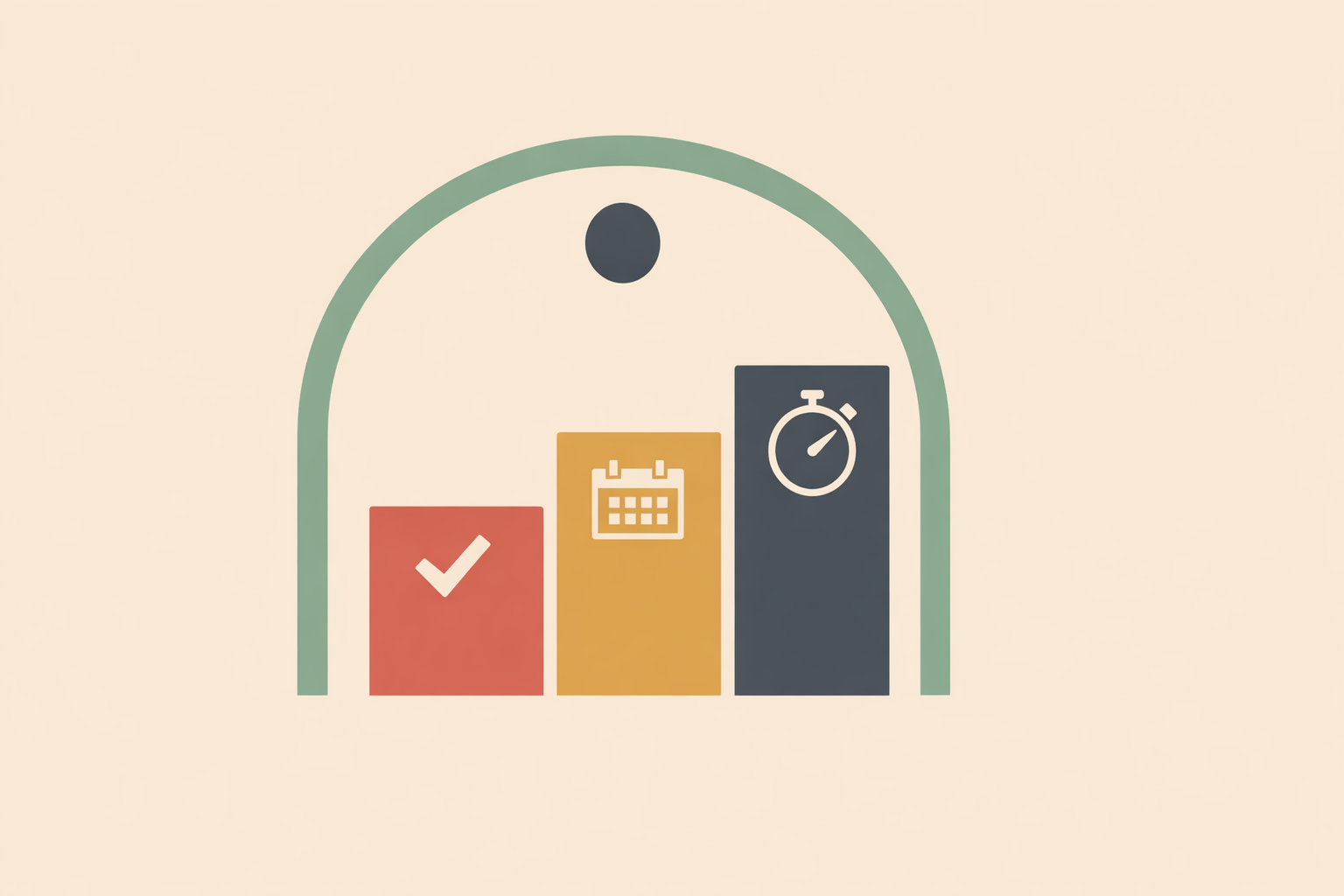
A dependable setup often includes:
- one task manager for capture and sorting
- one calendar for time-blocking
- one timer or visual pacing tool
This covers the essentials without spreading attention across too many places. The point is not the perfect app; it is one trusted system a client can return to every day.
Weekly rhythm matters more than constant tinkering. A short weekly review to clear outdated tasks, choose a few priorities, and place them into the calendar tends to outperform switching tools every few days.
- Simple client script: “For the next six weeks, use Tasks + Calendar + Timer. We review it once a week. No extra tools unless something is clearly missing.”
Principle 2: Match each tool to a specific barrier
Once the stack is small, precision becomes the skill. Each tool should answer one clear question: what exactly is this supporting?
A helpful way to map common barriers is:
- Time blindness: visual timer or visible timeline
- Task paralysis: breakdown prompts or step-by-step planning
- Working-memory leaks: low-friction capture list
- Sustained focus: distraction barriers or timed focus blocks
- Unrealistic planning: calendar time-blocking
- Poor time estimation: estimate-then-compare practice
This matters because generic productivity upgrades often miss the real friction point. If starting is the issue, social presence can help more than a better-looking list. If losing hours is the issue, visible time can do more than another planning app.
One coaching question often clarifies the next move: “Is the hard part starting, staying, switching, or sizing?” Once that is named, the tool choice gets simpler.
Personal preference is part of the match. Some people settle with calm, low-contrast design; others need strong color cues. Some thrive with digital systems, while others trust paper on the wall more than anything on a screen. The best tool is the one they will keep using.
Principle 3: Use visual timers and social presence for faster shifts
Two levers tend to move quickly in ADHD time coaching: making time visible and adding social presence. Each supports a different challenge.
Visual timers and color-blocked calendars make time concrete. Instead of relying on an internal sense of time, they place time in the environment where it can be tracked at a glance. This often supports transitions, pacing, and stepping out of hyperfocus.
Social presence, often called body doubling, supports initiation. Sitting beside someone else (in person or online) can turn a vague intention into a defined work block. The task can still feel unpleasant, but it becomes easier to begin.
A practical rule of thumb helps:
- If the client loses time, start with visible time.
- If the client cannot begin, start with social presence.
- If both are true, combine them.
That combination is often powerful: a 25-minute visual sprint inside a shared work session, followed by a clear check-out at the end.
- Session script: “I’m starting with two invoices and one email. Timer for 25 minutes. At the end, I’ll say what got done.”
Color-coding can help, especially when it reflects energy demand rather than category. When heavier blocks are easy to spot, they can be paired with extra support such as a timer, a shared session, or a lighter follow-up task afterward.
Principle 4: Let AI support planning, not lead it
AI tools can be useful as junior assistants. They are often good at breaking a task into smaller parts, suggesting a draft schedule, or helping someone move from a mental tangle to a workable first step.
Used well, AI lightens the planning burden between sessions. It can help with brain-dumping, sorting, chunking, and check-in prompts, which supports clients who freeze when a task feels too large or too undefined.
AI works best as support rather than authority. It can draft options, but the client decides what fits their day, values, energy, and responsibilities. The aim is to strengthen self-trust.
A simple coaching approach is:
- ask AI to break a task into smaller steps
- choose only the next one to three steps
- place those steps into real calendar space
- review afterward what felt easy, sticky, or unrealistic
This keeps technology in service of momentum, rather than turning it into another system to manage.
Principle 5: Turn tools into daily and weekly rhythms
Tools help most when they are woven into ordinary life. The shift is from collecting features to practicing rhythms.
Useful rhythms are usually brief:
- a morning check-in to choose the day’s few essentials
- one or more short timed sprints with real breaks
- a weekly review to reset the system and preview the week ahead
Blending digital and physical supports often works well. An app can hold details, while a whiteboard, paper planner, or bulletin board keeps priorities visible in the room. This reduces the burden on working memory and lowers the chance the plan disappears behind a closed screen.
Short sprints usually beat heroic marathons. A brief, timed block with a clear stopping point reduces avoidance and keeps the work in proportion. It becomes one contained step rather than an endless demand.
Simple analog tools can be enough. A whiteboard, sticky notes, and a timer create a flexible visual workflow that is easy to rearrange without starting over, which suits clients who feel worn down by app fatigue.
- Daily rhythm example: open the calendar, choose three priorities, set one timer, and place the first tiny step in plain sight.
- Weekly rhythm example: clear loose ends, park future ideas on a later list, place next week’s key tasks into the calendar first, then add supportive work sessions if needed.
It also helps to anchor planning to lived rhythms rather than abstract productivity ideals. Family meals, school pickup, prayer times, commuting, and evening routines can serve as reliable bookends. When the plan grows out of existing rhythms, it is easier to repeat.
Principle 6: Personalize by age, context, and emotional load
No single setup fits everyone. A child learning time sense, a teen managing deadlines, and an adult protecting focused work all need different forms of support.
For children, simplicity is usually the priority. Visual timers, picture-based routines, and low-clutter cues make time more tangible and transitions smoother.
For teens and students, a visible timer plus one or two planning tools is often enough. Project breakdown is especially helpful here because large assignments become manageable when they are turned into smaller steps with visible deadlines.
For adults and knowledge workers, integration and initiation support tend to matter more. A calendar that holds both commitments and focus blocks, paired with reminders or body doubling, often protects momentum better than a complex productivity ecosystem.
Emotional load matters just as much as age. When anxiety is high, calm interfaces and tiny wins tend to support steadiness better than dense systems with too many choices.
When distractions are persistent, some clients benefit from environmental supports such as music, reduced-notification settings, or temporary blockers that protect the focus window long enough for attention to settle.
- Personalization snapshot: “High overwhelm” → Calendar + Visual Timer, short sprints, one weekly review. “Busy student term” → Calendar + Task List + estimation practice, with assignments broken into visible steps.
Conclusion: Start with one tool and one rhythm
The most sustainable ADHD time support is often refreshingly simple: choose a small, well-matched stack, turn it into a few repeatable rhythms, and coach with kindness. Calendars, lists, timers, and shared work are practical supports that help time feel more real and tasks feel more startable in neurodiversity coaching.
Across real-world practice, the pattern is consistent. People do better with systems that are visible, specific, and forgiving enough to survive imperfect weeks. A simple structure used consistently will usually carry more value than an elaborate system that collapses under pressure.
Language matters too. Tools are supports, not verdicts on character. When clients experience them that way, they are more likely to re-engage, adjust, and continue building a life that fits how they actually function. If a tool creates pressure or perfectionism, scale it back and return to the smallest helpful next step.
Explore ADHD Coach Certification
Deepen these tool-and-rhythm strategies with the ADHD Coach certification for practical, supportive client coaching.
Explore ADHD Coach →