


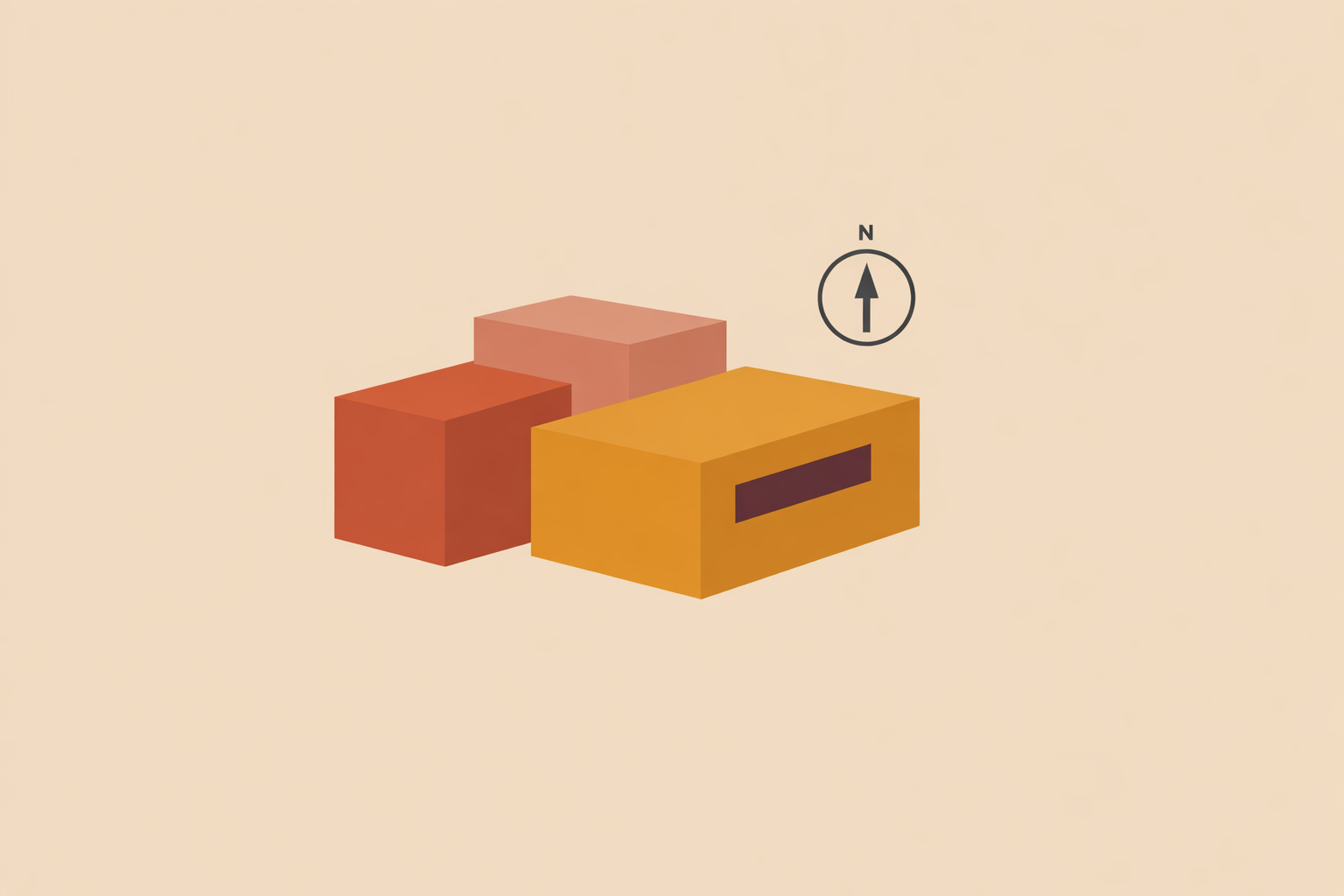
You can model a convincing eco-home in Rhino and still be unsure how it will behave once it meets real weather. The gaps usually show up the moment you try to simulate: open polysurfaces that won’t zone, a north arrow that isn’t true, weather data left to default, glazing modeled as naked glass, and outputs that don’t answer the design question. What works is a lean, analysis-ready model that turns intent into closed thermal zones tied to a real climate.
Key Takeaway: Rhino-based energy modeling becomes useful when you simplify a design into clean, closed volumes with explicit constructions, realistic glazing, and climate-based assumptions. The most reliable workflow starts with a clear passive-design question, moves through hand sketches and tidy analytical geometry, then tests orientation, shading, glazing, mass, and ventilation in controlled iterations.
Clarify the design question before you model
Decide what the model must answer before you draw. A strong model supports a decision, not just a set of graphics.
Useful questions include:
- Which orientation best balances winter gains and summer control?
- How much equator-facing glazing is still comfortable in summer?
- How deep should overhangs be to protect glass without sacrificing winter sun?
- How much does night ventilation improve warm-season comfort?
Then tie everything to the real site: load the correct EPW file, confirm location, and set true north. If the sky is wrong, the model’s precision is mostly illusion.
Keep a short assumptions note inside the Rhino file (as plain text on a locked layer works well). Capture climate, orientation, envelope build-ups, glazing values, ventilation logic, and occupancy patterns. This makes comparisons traceable and prevents “moving targets” as the design evolves.
Sketch first, then rebuild clean analytical geometry in Rhino
For passive design, hand sketching still earns its place. It helps you see volume, section, sun access, and room relationships quickly—before details harden.
Tracing-paper overlays can save hours later. You can rotate a plan, test a deeper overhang, shift key rooms toward warmth, or carve a small court for winter light in minutes.
When you move into Rhino, rebuild from checked dimensions instead of tracing every expressive edge. Keep the analytical model separate from the presentation model; it’s one of the simplest ways to protect your workflow.
Set units once and stick to them. Mixed units are a quiet way to produce impossible areas and misleading results.
Organize Rhino by analytical purpose
A tidy file often saves more time than any plugin setting. Build layers around what the analysis needs to read, not just what looks orderly on screen.
- 00_Reference
- 10_Zones
- 20_Envelope
- 30_Glazing
- 40_Shading
- 50_Earth
- 60_Foundations
- 90_Annotation
Add a visible true-north note and lock it. Keep site references, section cues, and assumptions easy to find. This kind of discipline makes option-testing smoother, especially when you’re comparing many iterations.
Turn rooms into sensible thermal zones
Thermal zones don’t have to match room labels. They’re groups of spaces that behave similarly in temperature patterns, schedules, and internal gains.
A small earth-based home might have four rooms but only two useful zones: a brighter living/kitchen zone with larger glazing and evening gains, and a sleeping zone with smaller openings and a different rhythm. The results are usually easier to interpret, and the model runs stay quicker to manage.
Before you assign constructions, make every zone a watertight solid. Check for naked edges, duplicate surfaces, and flipped faces. Closed, coherent geometry leads to stable runs and outputs you can act on.
Model domes and vaults as real thermal volumes
Alternative forms don’t need decorative modeling to be analyzed well. A dome or vault usually performs best in a model as a single closed thermal volume with an explicit roof construction, rather than a shell hovering over a separate box.
This is especially helpful with aircrete domes, vaulted roofs, and mixed wall systems. If a dome meets an earthbag stem wall, share vertices cleanly and avoid slivers, overlaps, or doubled faces. Continuity makes the results easier to read and compare.
Restraint is a skill here. Keep geometry detailed enough to answer today’s question, and no more.
Define the envelope with explicit materials and realistic assumptions
Visual thickness doesn’t tell a simulation how an assembly behaves. The envelope needs defined layers and a clear role for each one.
For earthbag walls, that often means plaster layers, the earth-filled core, and whatever interior finish you truly intend to use. For aircrete roofs or domes, define the roof build-up directly rather than leaving it implied. Keep these assumptions visible in your notes so revisions stay grounded.
One distinction matters again and again: thermal mass and insulation do different jobs. Mass moderates swings by storing and releasing heat over time, while insulation slows heat flow. Earth-based materials can feel steady and forgiving, yet still conduct a lot of heat if overall resistance is low.
This is also why berms don’t automatically “insulate” a west wall. They often change exposure, wind contact, and how the building couples to the ground. That can be valuable, but it should be modeled as the effect it really is.
Model windows as assemblies, not glass cutouts
Glazing deserves more care than a transparent surface. Frames, frame fractions, and thermal breaks can meaningfully shift performance, so “glass-only” windows often skew heat-loss and heat-gain patterns.
Where possible, include frame effects and realistic properties. In energy modeling practice, thermal bridging is treated separately for good reason.
In passive homes, small glazing assumption changes can ripple into comfort, overheating risk, and winter solar benefit enough to steer the whole design direction.
Use shading and ventilation as active passive-design tools
Overhangs, fins, trellises, shutters, and operable windows are often where sustainability in eco-home design becomes truly seasonal and responsive. They’re part of the building’s behavior, not decoration.
As a general rule, external shading outperforms internal shading because it stops solar heat before it enters. Curtains and blinds still help with glare and comfort, but they usually do less to prevent heat build-up.
Ventilation is also about timing. In many dry or mixed climates, night flushing can sharply reduce warm-season discomfort when you ventilate during cooler hours and close up during the day.
When comparing options, aim for performance ranges rather than chasing a single “perfect” dimension. An overhang depth that works well across varied conditions is often the best real-world choice.
Build a simple Rhino-Grasshopper-Ladybug-Honeybee workflow
Once geometry, zoning, and constructions are clean, keep your workflow plain and repeatable:
- Load the correct EPW file in Ladybug.
- Check sun paths and seasonal solar exposure.
- Assign constructions and glazing in Honeybee.
- Add shading elements and simple schedules.
- Run a baseline case.
- Change one variable at a time.
This controlled rhythm teaches you more than changing everything at once. If orientation, glazing, shading, and ventilation all move together, the run might look “optimized,” but it won’t tell you why.
A strong first round often tests orientation, equator-facing glazing ratio, and overhang depth. Then explore berm geometry, ventilation timing, or window operation patterns as a second pass.
Read results as design guidance, not absolute truth
Useful outputs are the ones that help you choose well. Annual heating and cooling demand can be informative, and so can peak loads, operative temperature, solar gains by orientation, and surface temperatures on mass walls or floors.
Collect fewer charts, and spend more time learning what changed when you made one design move.
Log each option clearly. A naming pattern like orientation_glazing_overhang_ventilation keeps runs readable and makes it easy to revisit decisions later.
Then translate numbers into patterns you can design with. One option might ease summer strain, while another improves shoulder-season warmth. The model clarifies trade-offs; your climate, budget, craft traditions, and values decide which trade-off belongs in the final home.
Keep the process disciplined as the design approaches buildability
As the design matures, keep the analytical model and the drawings in step. Performance assumptions only hold if layers, junctions, and the build sequence still match the model logic.
It also helps to plan for review realities. Earthbag walls, aircrete domes, vaulted roofs, berms, wetlands, and other unconventional assemblies often receive more scrutiny than standard assemblies. That doesn’t make them unrealistic; it raises the bar for clear drawings and coherent explanations.
Save milestone versions as you go: concept massing, cleaned geometry, zoning, constructions, baseline run, option studies, and final coordination. A repeatable path is part of solid practice.
Conclusion: let the model support the design, not lead it
The strongest Rhino energy-model workflow for eco-homes is both grounded and practical. Start with climate and intent, sketch early, rebuild only what analysis needs, and keep zones and constructions clear. Model glazing honestly, then test passive moves in controlled steps.
Traditional building wisdom already holds the main truths: orientation matters, mass matters, shade matters, ventilation timing matters, and contact with earth changes indoor experience. Digital tools don’t replace that lineage of knowledge; they help you compare options and communicate decisions with confidence, especially in 2D-3D bio-architecture design.
Used this way, energy modeling strengthens design judgment. It supports a home that fits its place, respects its materials, and stays clear about what it’s trying to achieve.
Master Bio-architecture Design
Apply this modeling mindset in the 2D-3D Bio-architecture Design Certification for clearer, climate-based eco-home decisions.
Explore 2D-3D Certification →